Actions
Bug #2452
openChat Message section -- Uploaded Images and Files Are Displayed as Plain Text in Chat issue:
Status:
Clarified
Priority:
P2-High
Assignee:
Lakshmi prasanna V
Start date:
06/12/2026
Due date:
% Done:
0%
Estimated time:
Device/Browser/API:
Web Portal
Environment:
UAT
Current Behaviour:
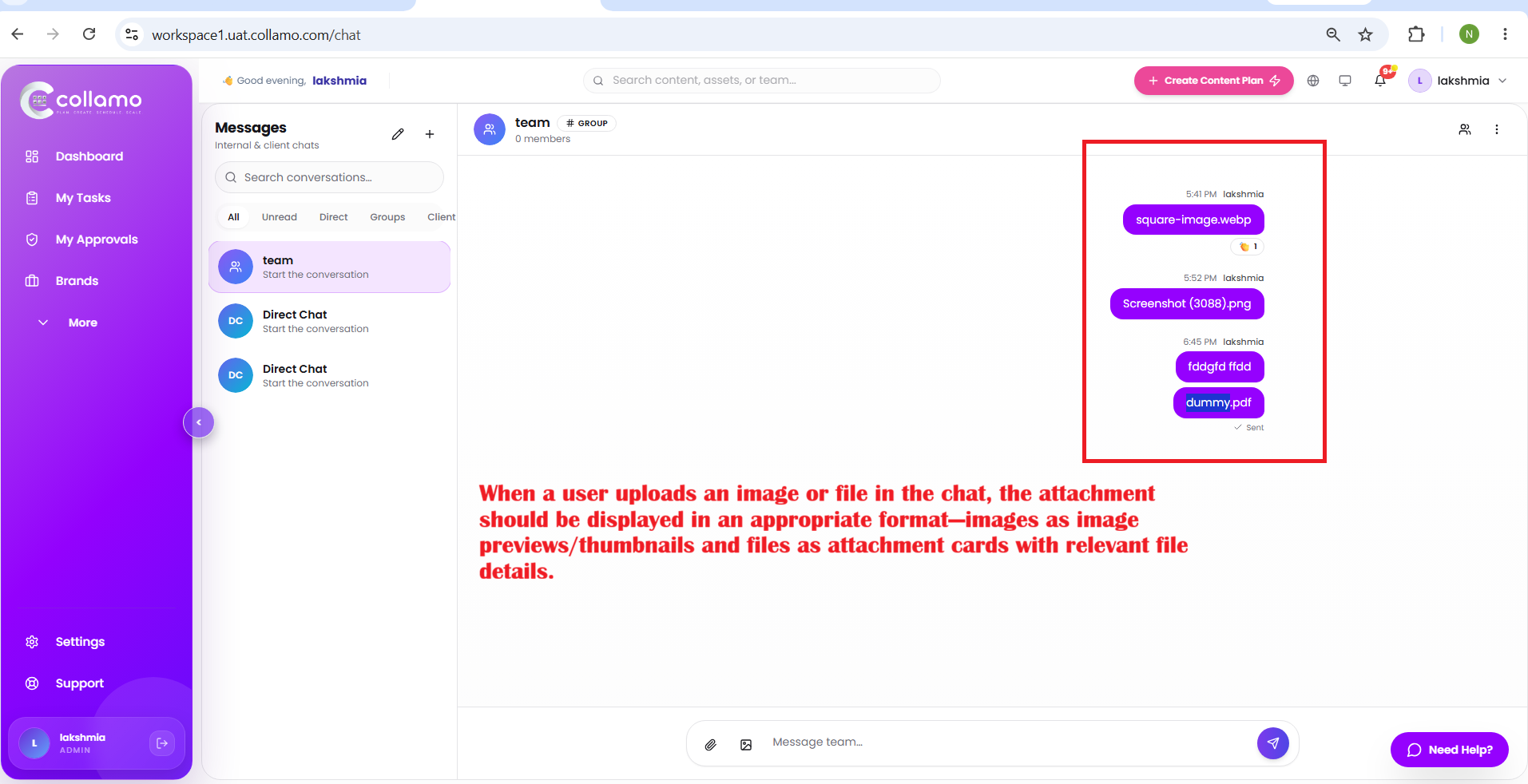
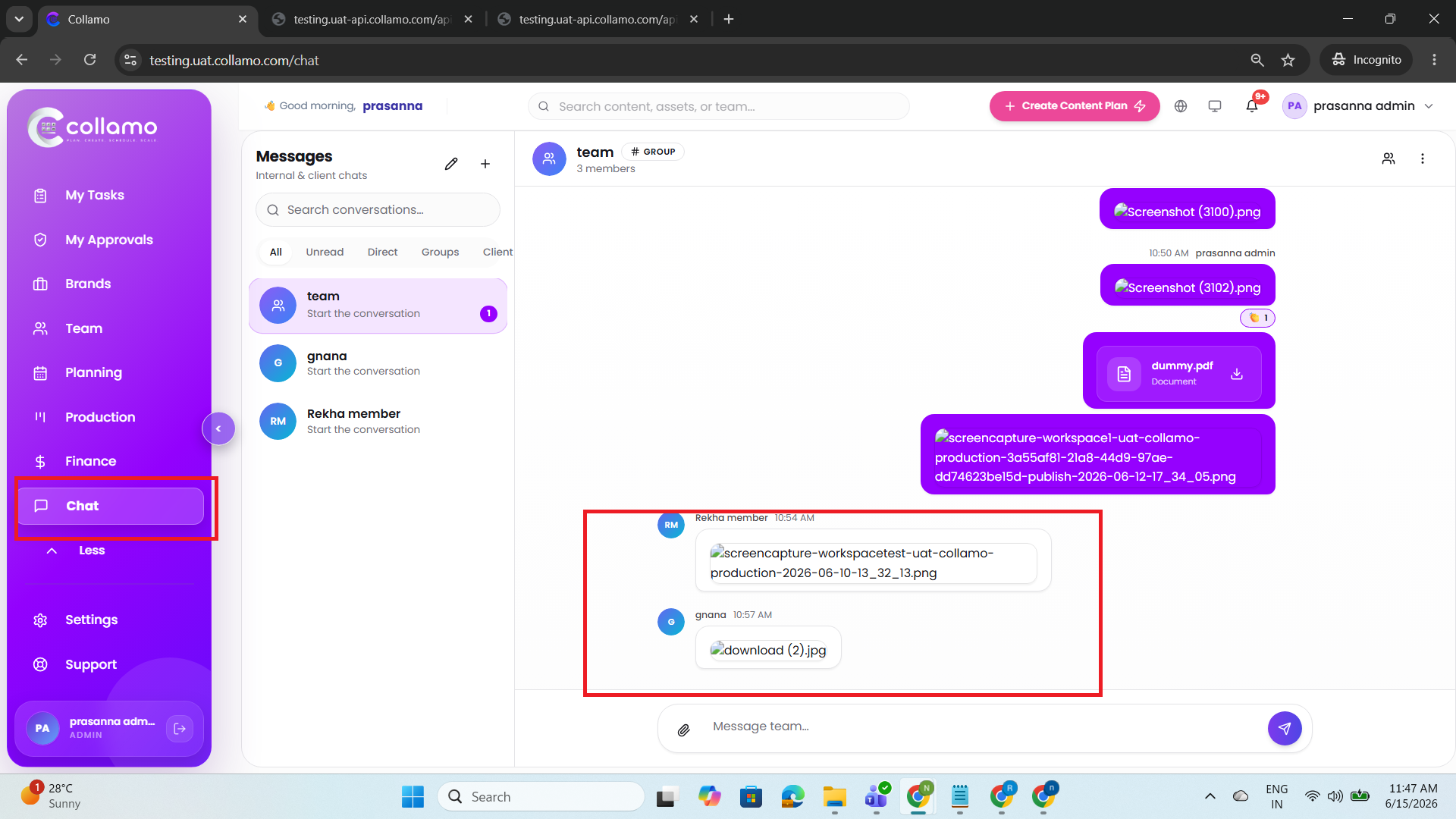
When a user uploads an image or file in the chat, the attachment is displayed only as text (file name) within the chat message.
Expected Behaviour:
When a user uploads an image or file in the chat, the attachment should be displayed in an appropriate format—images as image previews/thumbnails and files as attachment cards with relevant file details.
Root Cause:
Funcational Gap
Root Cause Detail:
* When a user uploads an image or file in the chat, the attachment is displayed only as text (file name) within the chat message.
* When a user uploads an image or file in the chat, the attachment should be displayed in an appropriate format—images as image previews/thumbnails and files as attachment cards with relevant file details.
Description
- When a user uploads an image or file in the chat, the attachment is displayed only as text (file name) within the chat message.
- When a user uploads an image or file in the chat, the attachment should be displayed in an appropriate format—images as image previews/thumbnails and files as attachment cards with relevant file details.
Files
Actions